Deck pages
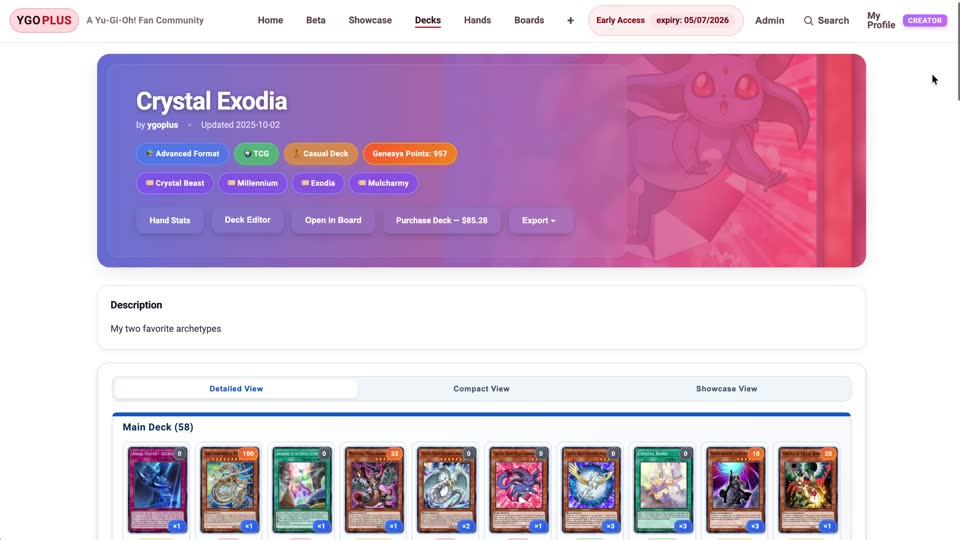
Living deck pages.
Every deck gets a context-rich home — full list, ratios, notes, and the endboards it actually opens into, all on one page.
See a deck pageKeep your decklist, opening-hand probabilities, and saved combo boards together. Explore community ideas or build something of your own.
Browse without an account. Sign up free to save your work and verify your email to run simulations.
Every deck gets a context-rich home — full list, ratios, notes, and the endboards it actually opens into, all on one page.
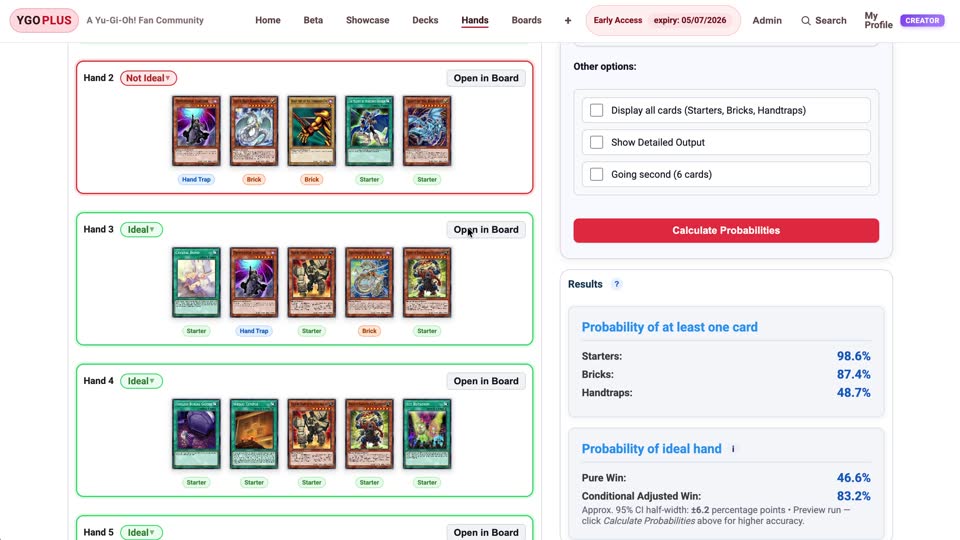
See a deck pageExplore sample opening hands and calculate probabilities using your card roles and conditions. Compare ratios before you play.
Run the calculatorBuild the field state from a hand, attach it back to the deck, and share the starting hand, final field, and your notes together.
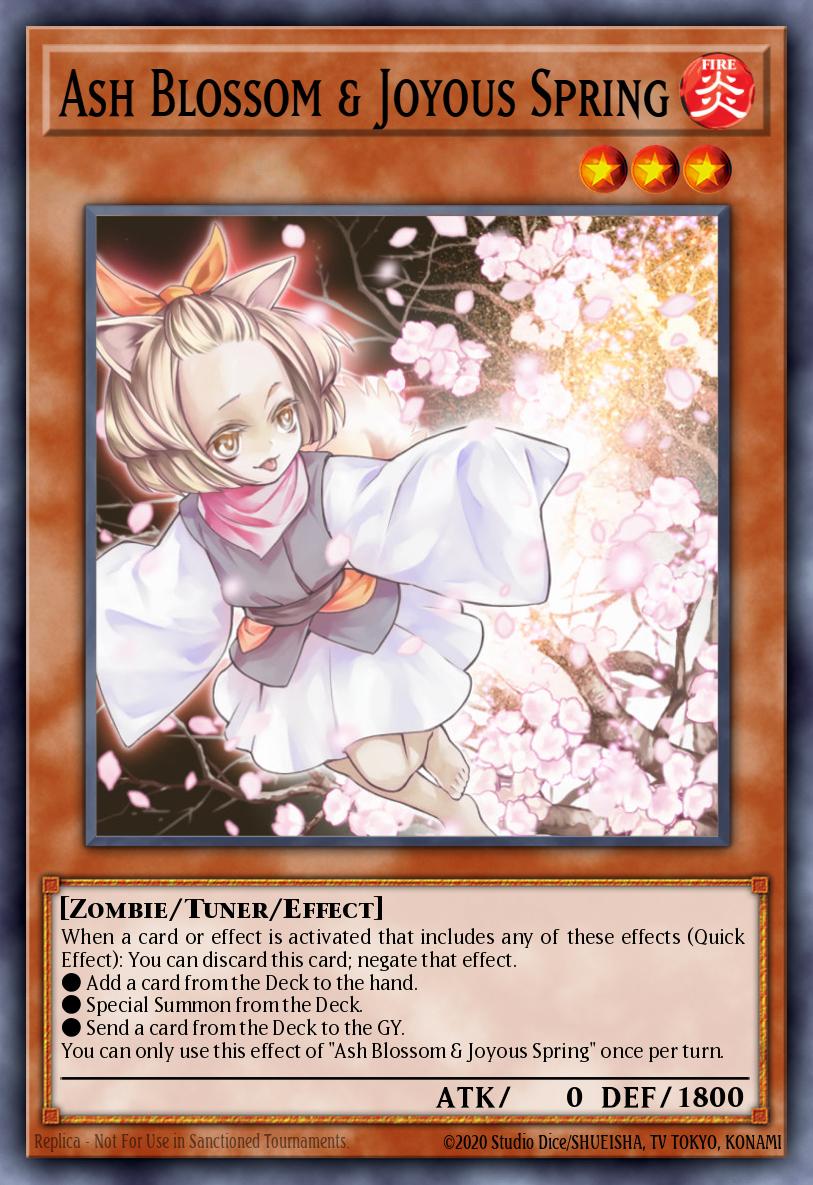
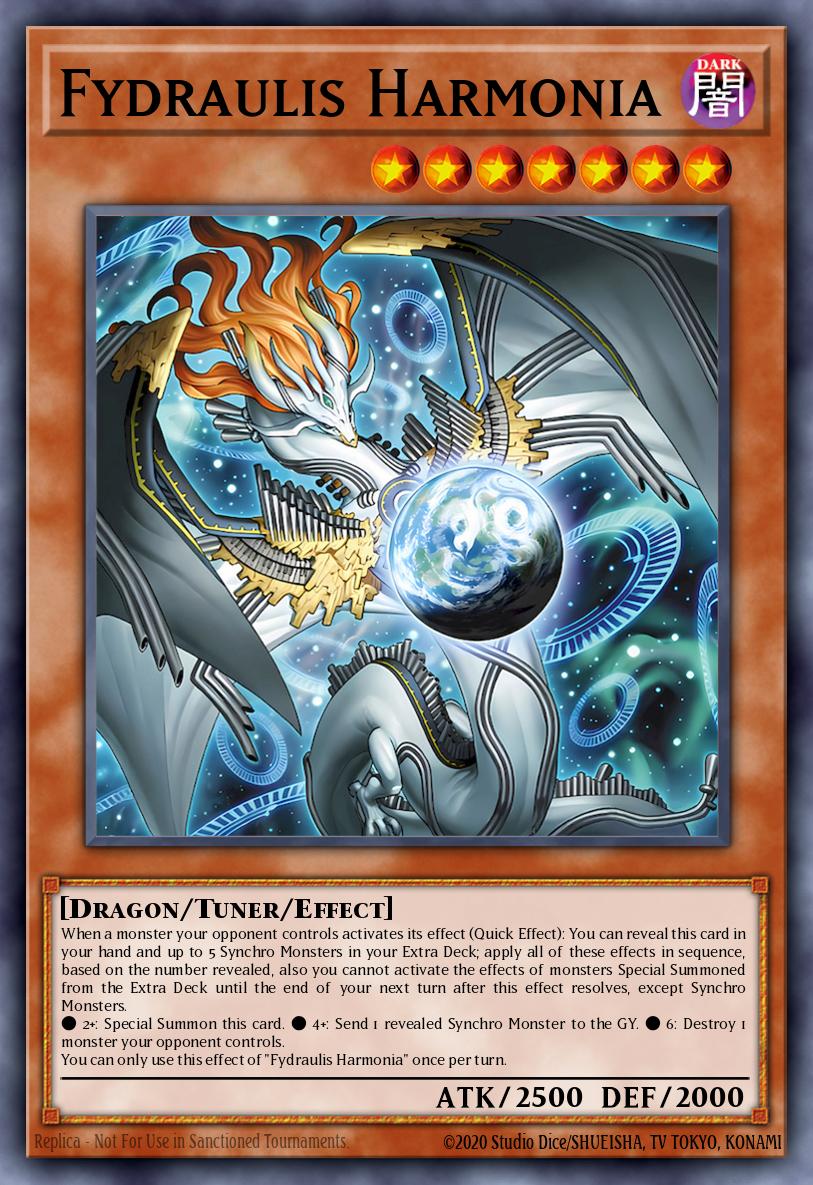
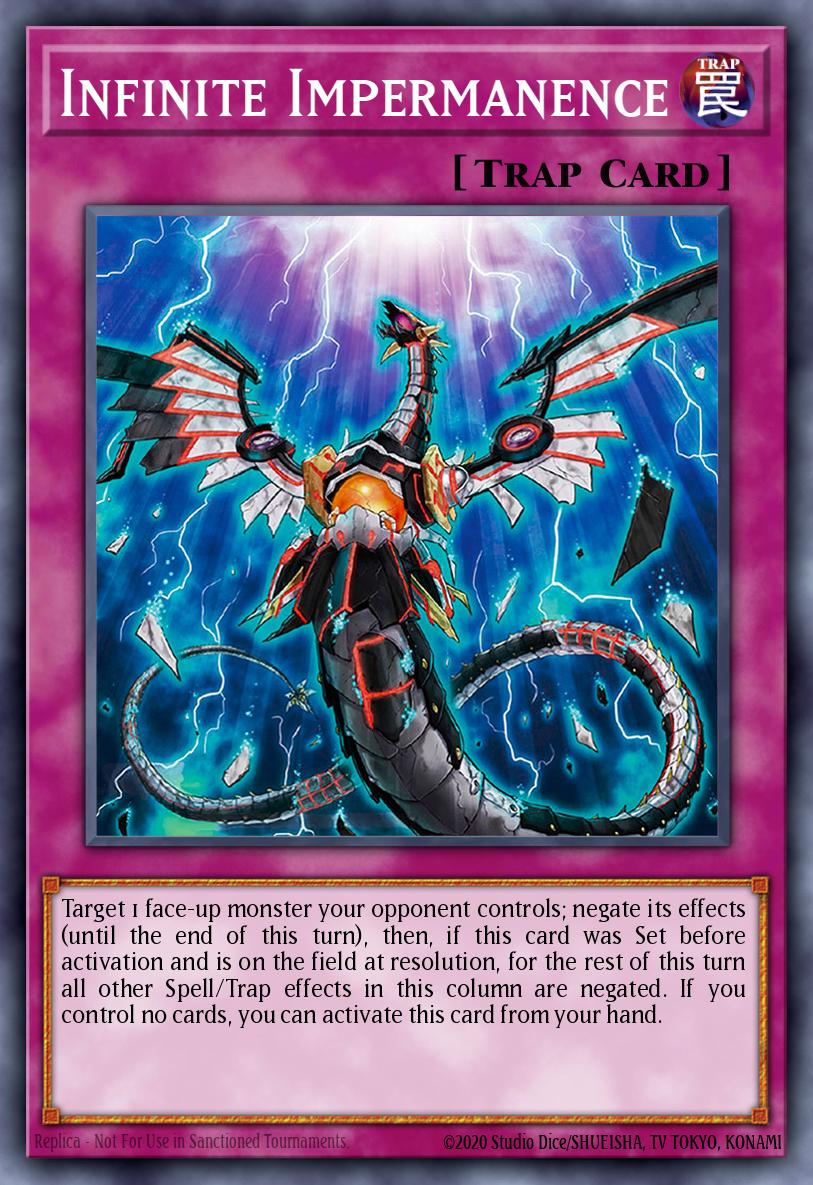
Browse endboardsFollow a public Kewl Tune example to see how the list, the numbers, and the combo board fit together.
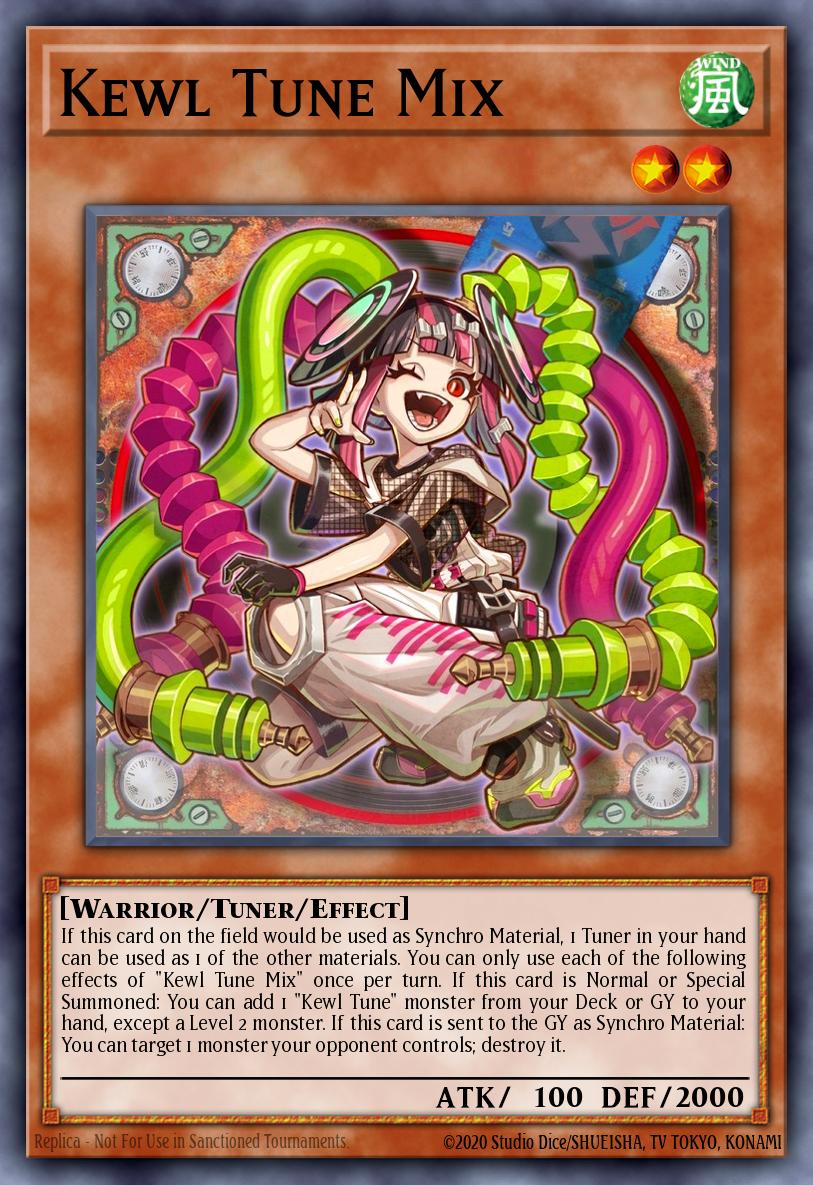
This list has 40 main-deck cards, including 2 copies of Kewl Tune Mix. Open the deck to inspect its ratios and related boards.
Open example deckChance of drawing at least one copy in a random five-card opening hand, calculated from this deck’s current list. This counts drawing the card directly, without searches or effects.
Explore hand statisticsOpen “KT Going First Basic Combo / Endboard”. Compare its saved starting hand with the final field, then use playback to step through the recorded positions.
Open example boardA community learning example, not a current-format deck recommendation. Drawing a card does not guarantee this endboard. Hand statistics use the roles and conditions you assign; new simulations require a verified free account.
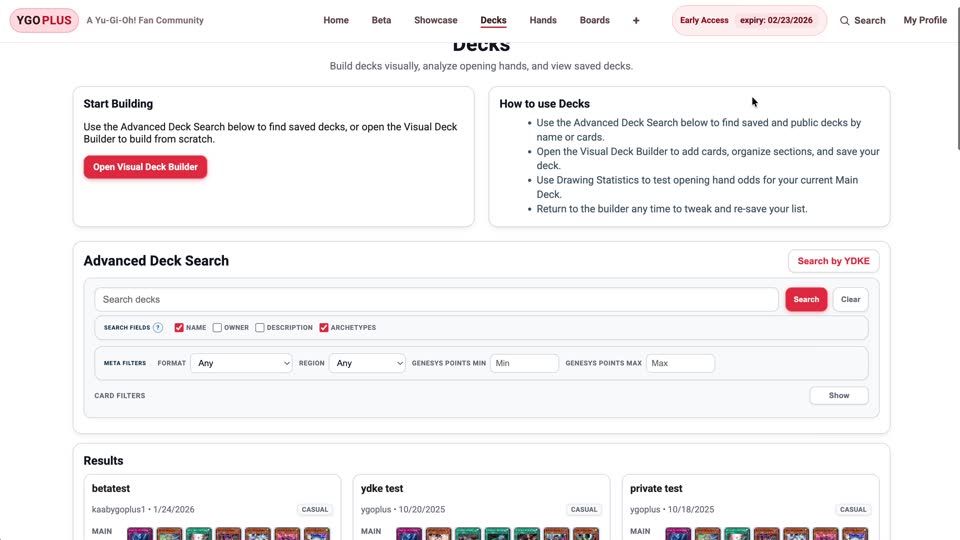
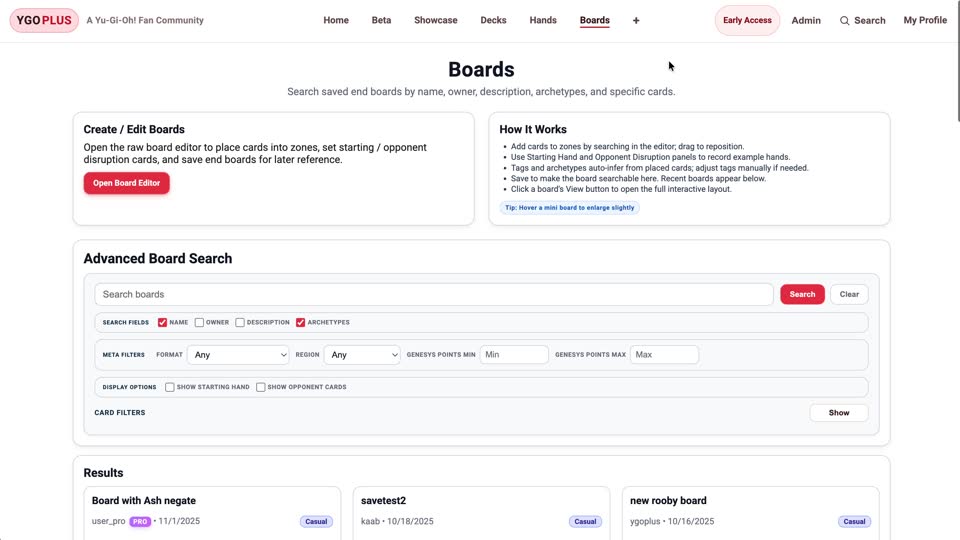
Search shared boards by starting hand and opponent disruption, or use a YDKE link to look for matching decklists.
Copy the YDKE link from your favorite deck site and paste it here. We’ll surface every match on YGOPLUS so you can pull up its hand stats, combos, and saved endboards in one click.
Try deck searchFilter shared endboards by the starters in your opening hand, the disruption your opponent threw, and the line you’re trying to learn. Find the exact field state that answers your question.
Try board searchBuild a list, check your opening hands, and save a combo board. These short demos show each step; play only the ones you need.
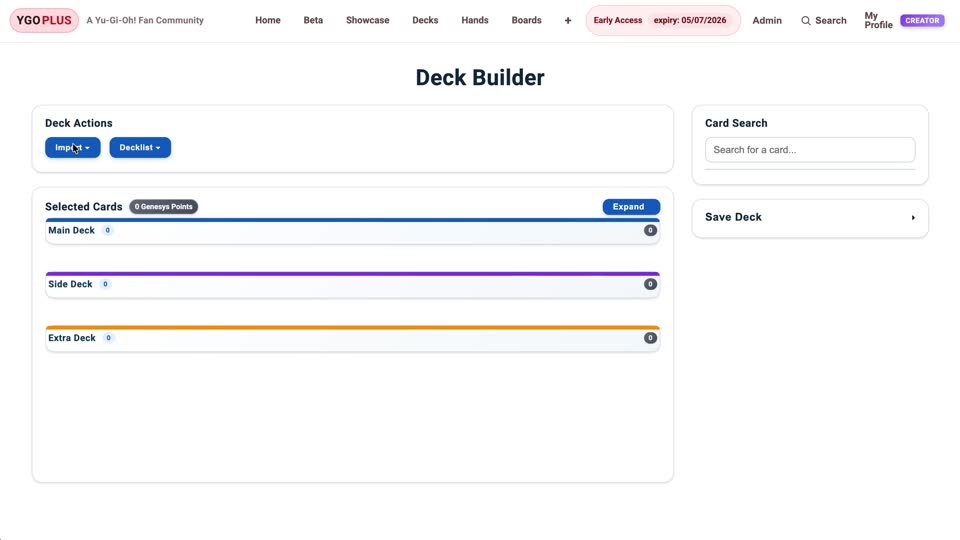
Choose your cards and ratios, or import a list you already play. Keep the main, extra, and side decks together.
Build a deckReview the list, add notes, and keep related combo boards attached so you can find them again.
View a deckTag starters, extenders, hand traps, and bricks. Set the conditions you want an opening hand to meet, then check how often it does.
Hand statsPlay through your line manually in the board builder. Save the starting hand and the resulting field so others can follow your idea.
Build a boardShare the board link with your group, or keep it private for your own testing. The field and notes stay together.
View a boardYGOPLUS is not just for building decks. It is a better way to publish them, teach them, test them, and share them with the right audience.
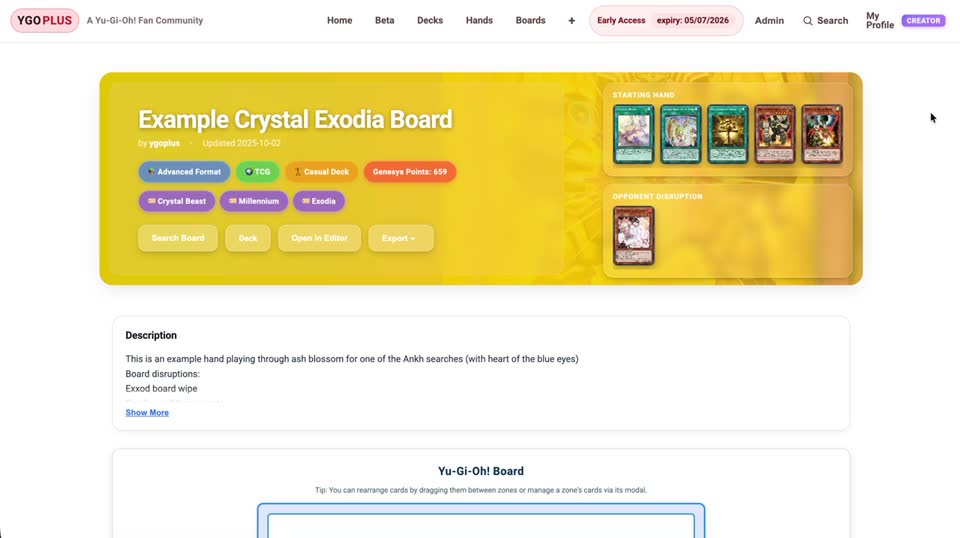
Share unlisted deck and board pages with your public or private community, so viewers can study the list, review the combo boards, and come back later without digging through screenshots, comments, or scattered notes.
Best for creators: Publish link-only deck and board pages that your audience can revisit on their own time.
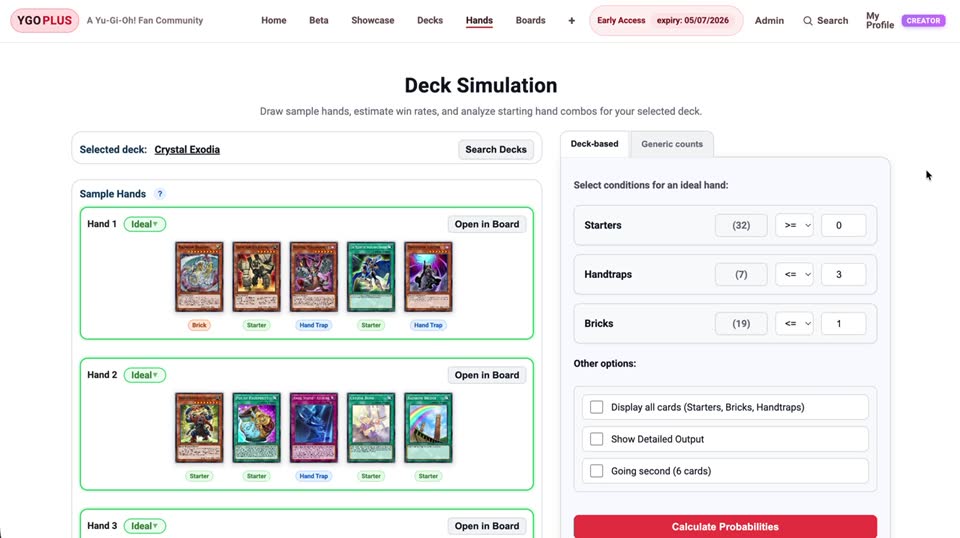
Compare opening-hand probabilities, review your card roles, and save the lines you want to practice. Results depend on the tags and conditions you choose; the tools do not automatically validate combo legality.
Optional Supporter membership: Higher simulation allowances and higher-precision runs help fund the site. Compare Free and Supporter.
Recently updated community decks and boards. Click in to see the full list, run hand stats, or open the saved field state.
Start with a deck, explore its opening hands, and save a board to explain your line. Core tools are free, with optional Supporter membership to help cover running costs.